Technical Support:
158-7527-1139

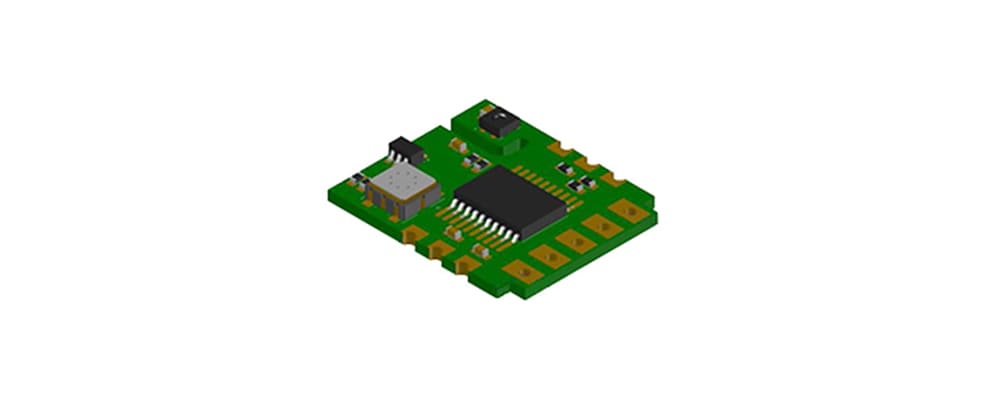
Temperature and humidity sensors are commonly used for measuring environmental conditions and are widely applied in industrial, agricultural, and construction fields. When using a temperature and humidity sensor, you may sometimes find the results to be inaccurate. What are the reasons for this?
Possible reasons generally include the following:
1. Issues with the sensor itself: The quality and precision of a sensor directly affect the accuracy of measurement results. If the sensor has quality defects, such as zero-point drift or decreased sensitivity, it will lead to inaccurate readings.
2. Environmental factors: The measurement results of temperature and humidity sensors are susceptible to environmental conditions. If the ambient temperature or humidity changes too drastically, or if electromagnetic interference exists, the measurements may be inaccurate.
3. Improper usage: Using the temperature and humidity sensor incorrectly can also lead to errors. For instance, if the sensor is not installed properly or not calibrated regularly, the accuracy will be compromised.
How can these issues be resolved?
1. Inspect the sensor hardware: Check the sensor for problems like zero-point drift or reduced sensitivity. If hardware issues are found, contact the manufacturer for repair or replacement.
2. Improve the measurement environment: If environmental fluctuations or electromagnetic interference are the cause, take measures to stabilize the environment. For example, use a temperature and humidity chamber to control conditions or use shielding to prevent electromagnetic interference.
3. Ensure correct usage: Install and operate the sensor strictly according to its manual. If regular calibration is required, ensure it is performed as specified.
There are many reasons why a temperature and humidity sensor might be inaccurate, but these can be solved through hardware checks, environmental improvements, or proper operation. Users should pay attention to these factors to ensure measurement precision.